"How much does it cost to build an app?" is the first question every company asks before starting a project. And the answer they usually get is useless: "it depends," "between $5,000 and $500,000," "we need to do a discovery phase." Vague answers that don't help you decide anything.
In this guide, we give you real numbers. No absurd ranges, no inflated estimates designed to sell you a consulting engagement. Concrete costs based on what things actually cost in 2026, broken down by component so you can build your own budget.
First: what kind of app do you need?
A landing page is not the same as an internal management system. Costs vary dramatically based on complexity. Let's classify into three levels:
Level 1: Simple app (4-6 weeks)
An application with few screens, one user type, and limited functionality. Examples:
- A data entry form with a results dashboard
- An internal tracking tool (checklists, logs)
- A catalog or directory with search and filters
Real range: USD 3,000 — 8,000
Level 2: Medium app (6-12 weeks)
An application with multiple user roles, several interconnected sections, and moderate business logic. Examples:
- An ordering system with customer, kitchen, and admin views
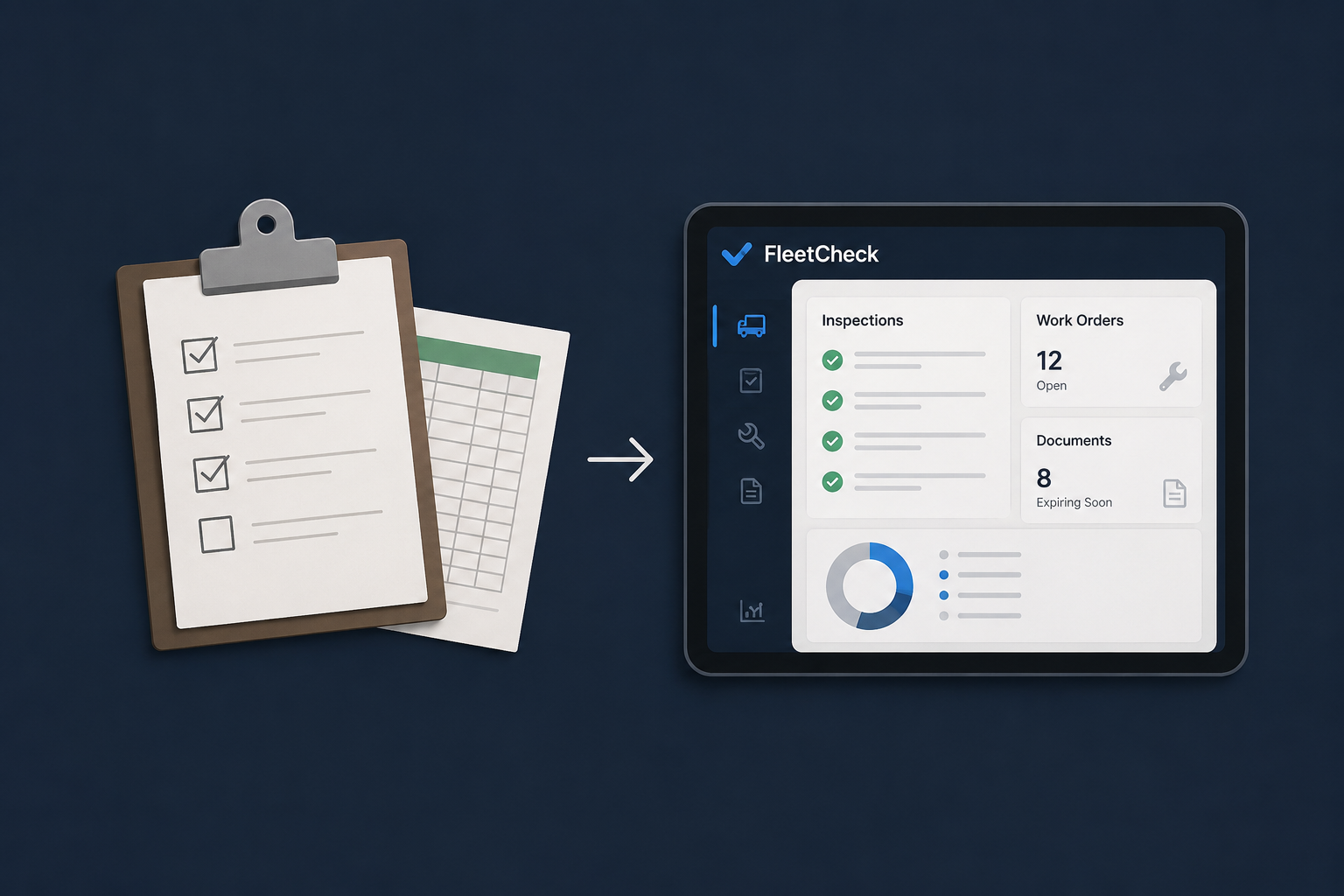
- A fleet management platform with checklists and work orders
- A client portal with access to reports and documents
Real range: USD 8,000 — 25,000
Level 3: Complex app (3-6 months)
An application with external integrations, complex calculations, multiple workflows, and compliance requirements. Examples:
- A salary compliance platform with legal report generation
- An analytics system with data pipeline, transformations, and dashboards
- A multi-tenant platform managing multiple client companies
Real range: USD 25,000 — 80,000+
These ranges assume a Latin American team with senior experience. The same apps quoted in the US or Western Europe can cost 2-4x more. Technical quality doesn't depend on geography — it depends on the team.
Breakdown: where does the money go?
Understanding how costs break down helps you make better decisions. Let's go component by component.
1. UX/UI Design (10-15% of total)
Before writing a line of code, you need to define what gets built and how it looks:
- Research and functional definition: understand the problem, map user flows, define what screens are needed
- Wireframes: low-fidelity sketches of each screen
- Visual design: the final interface with colors, typography, components
For a Level 2 app, design typically takes 2-3 weeks and costs between USD 1,500 and 4,000.
Can you skip this step? Technically yes, but it's like building a house without blueprints. You'll spend more later fixing things that could have been defined upfront.
2. Frontend development (30-35% of total)
What the user sees and interacts with:
- Implementing the design in code (HTML, CSS, React components)
- Screen navigation
- Forms with validation
- Backend connection (APIs)
- Responsive design (works on mobile and desktop)
- Animations and micro-interactions
Our stack: Next.js + TypeScript + Tailwind CSS. It's the industry standard in 2026 for development speed, performance, and maintainability.
3. Backend development (30-35% of total)
All the logic that runs behind the scenes: database, authentication, permissions, APIs, and business logic.
Includes:
- Data model: table design, relationships, indexes
- Authentication and authorization: login, user roles, screen-level permissions
- APIs / business logic: the rules that make the app work (calculate a total, validate an order, generate a report)
- Security: Row Level Security, input validation, protection against common attacks
We use Supabase (PostgreSQL + Auth + Realtime + Edge Functions). It gives you 80% of backend infrastructure out of the box, which significantly reduces time and cost compared to building everything from scratch.
4. Infrastructure and deployment (5-10% of total)
Where the app lives and how it gets deployed:
- Hosting: Vercel for frontend (generous free tier), Supabase for the database
- Domain and SSL: USD 10-20/year for domain, SSL included with Vercel
- CI/CD: automatic deployment on every GitHub push — included with Vercel
- Monitoring: logs, error alerts, usage metrics
Monthly infrastructure cost for a production app: USD 25 — 100/month. For most SMB apps, even less. Supabase has a free tier supporting up to 500MB database and 50,000 monthly active users.
5. Testing and QA (10-15% of total)
Verifying the app works correctly before real customers use it:
- Functional testing: every flow is tested manually
- Edge case testing: what happens if the user does something unexpected?
- Device testing: mobile, tablet, desktop, different browsers
- Automated tests: for critical flows (optional but recommended)
Many vendors don't include testing in the budget and then apps ship broken. We always include it. It's cheaper to test before launch than to fix bugs in production while customers complain.
Hidden costs nobody tells you about
Scope changes
The silent budget killer. "Oh, and we also need it to do this" is the phrase that inflates projects the most. Every feature added after scope is defined has a cost. Not because the developer wants to overcharge, but because each feature impacts design, frontend, backend, testing, and documentation.
The golden rule: define scope clearly before starting and respect it. Changes can happen in a second phase.
Post-launch maintenance
Once the app is in production, it needs maintenance: security updates, bug fixes that surface with real usage, minor adjustments. Budget between USD 200 and 800 per month depending on complexity.
Iteration and improvements
Version 1.0 is never the final version. Once users start using it, they'll request changes and improvements. That's good — it means the app is being used. But it costs money. Reserve between 20% and 30% of the initial budget for improvements in the first 6 months.
Build vs buy: when does each make sense
Custom development isn't always the answer. Sometimes an existing SaaS solves your problem at 80% and costs USD 50/month.
Build custom when:
- Your process is unique and doesn't fit generic tools
- You need full control over the user experience
- The software is part of your competitive advantage
- Scalability and customization are priorities
Buy a SaaS when:
- The problem is standard (CRM, project management, accounting)
- You don't need deep customization
- You prefer monthly payments over upfront investment
- Volume doesn't justify a custom solution
The sweet spot for custom development is when the cost of forcing a generic tool (in lost time, workarounds, and frustration) exceeds the cost of building exactly what you need.
How to reduce costs without sacrificing quality
Start with an MVP
Don't build everything at once. Define the 3-4 most important features, launch a first version, and iterate based on real feedback. This reduces both risk and initial cost.
Use modern stacks with backend-as-a-service
Platforms like Supabase or Firebase give you authentication, database, and APIs in minutes. This can reduce backend work from 6 weeks to 2 weeks, with better results.
Prioritize mobile-responsive over native apps
Unless you need access to phone hardware (camera, offline GPS, etc.), a responsive web app covers 95% of use cases without the cost of developing separate native apps for iOS and Android.
Define scope before, not during
Every hour a developer spends asking "how do you want this to work?" is a billable hour. Arrive at development with the "what" resolved so the team can focus on the "how."
Real examples from our portfolio
To give the numbers context, here's what it cost to build three real apps:
MesaClick (QR ordering system for restaurants)
- Level: Medium
- Timeline: 8 weeks
- Stack: Next.js, Supabase, Realtime
- Includes: QR menu, cart, kitchen Kanban, admin panel, table management
FleetCheck (fleet maintenance platform)
- Level: Medium-High
- Timeline: 10 weeks
- Stack: Next.js, Supabase, React Native
- Includes: digital checklists, work orders, QR per asset, expiration alerts, dashboard
SalaryCheck (salary transparency compliance)
- Level: Complex
- Timeline: 14 weeks
- Stack: Next.js, Supabase, Recharts
- Includes: automated pay register, gap analysis, legal reports, employee portal, multi-tenant
Conclusion
Building a custom web app in 2026 doesn't require astronomical budgets. With modern stacks and backend-as-a-service platforms, a functional, professional app for an SMB is within reach.
What makes the difference isn't spending more — it's spending well. A well-defined scope, an efficient stack, and a team that understands your business will get more value from USD 10,000 than a generic team will from USD 50,000.
At Richmond Analytics, we build custom web apps for businesses. If you have a process that needs digitizing or an idea to turn into a product, let's talk.